Professional Desk Setup Ideas That Mean Business (Without the Corner Office)
Professional isn't expensive — it's deliberate. Four standards that make any desk read as competent, credible, and camera-ready.
 By Malik Ashraf · 12 min read
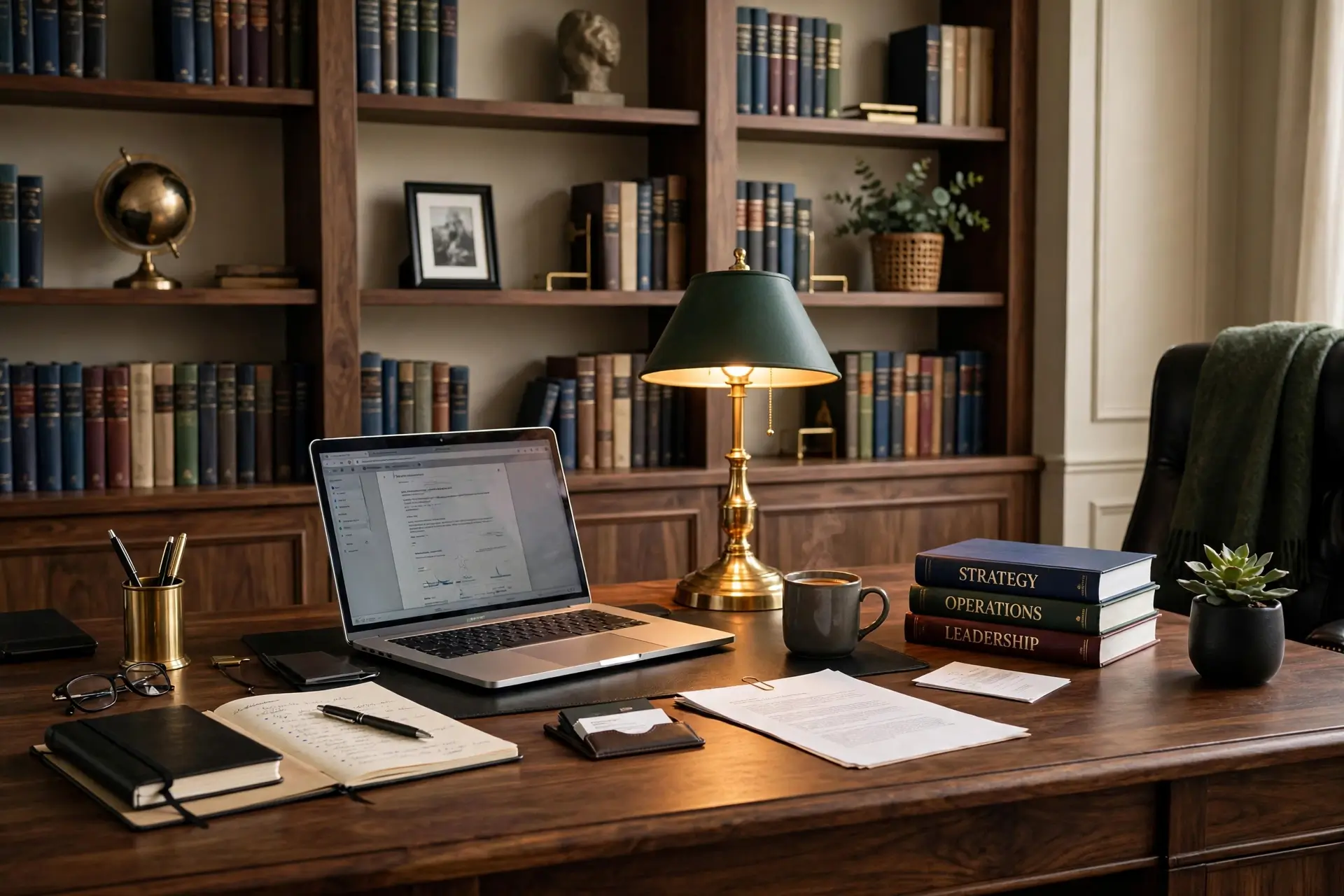 💼 4 EXECUTIVE STANDARDS
Nobody ever got promoted because of their desk — but plenty of people have been quietly judged because of it. On video calls, in office walk-bys, in the background of every screen share, your desk is broadcasting a message about you. Think of the last three video calls you joined: you noticed everyone's background, didn't you? The plant, the messy shelf, the weird poster? Everyone does it — it's human. Which means everyone is doing it to you, too. The good news: "professional" is not a price tag, it's a standard. Four of them, to be exact — position, discipline, background, and readiness. Meet all four standards and a $200 desk setup honestly outranks a $2,000 one that fails them. This is the executive audit: run it honestly on your desk this week, fix whatever fails, and let the setup do the talking for you.
One important note before we start: professional doesn't mean personality-free or boring. The most credible desks have one human touch — a plant, a photo, a book you actually read. Sterile reads as cold and forgettable; curated reads as confident and credible. If your desk needs warmth too, our desk ideas collection has you covered.
What "Professional" Actually Signals
Strip away the furniture and "professional" is three signals: order (this person has their act together), intention (every object is here on purpose), and respect (for colleagues, clients, and the work itself). Clients and managers read these signals in seconds — often before you say a word on a call. Research on first impressions consistently shows that environmental cues shape judgments of competence before any words are exchanged; your background is literally part of your introduction. The four standards below are just these three signals, made concrete and checkable. Audit yourself honestly; most desks fail at least one, and the failures are usually invisible to the desk's owner.
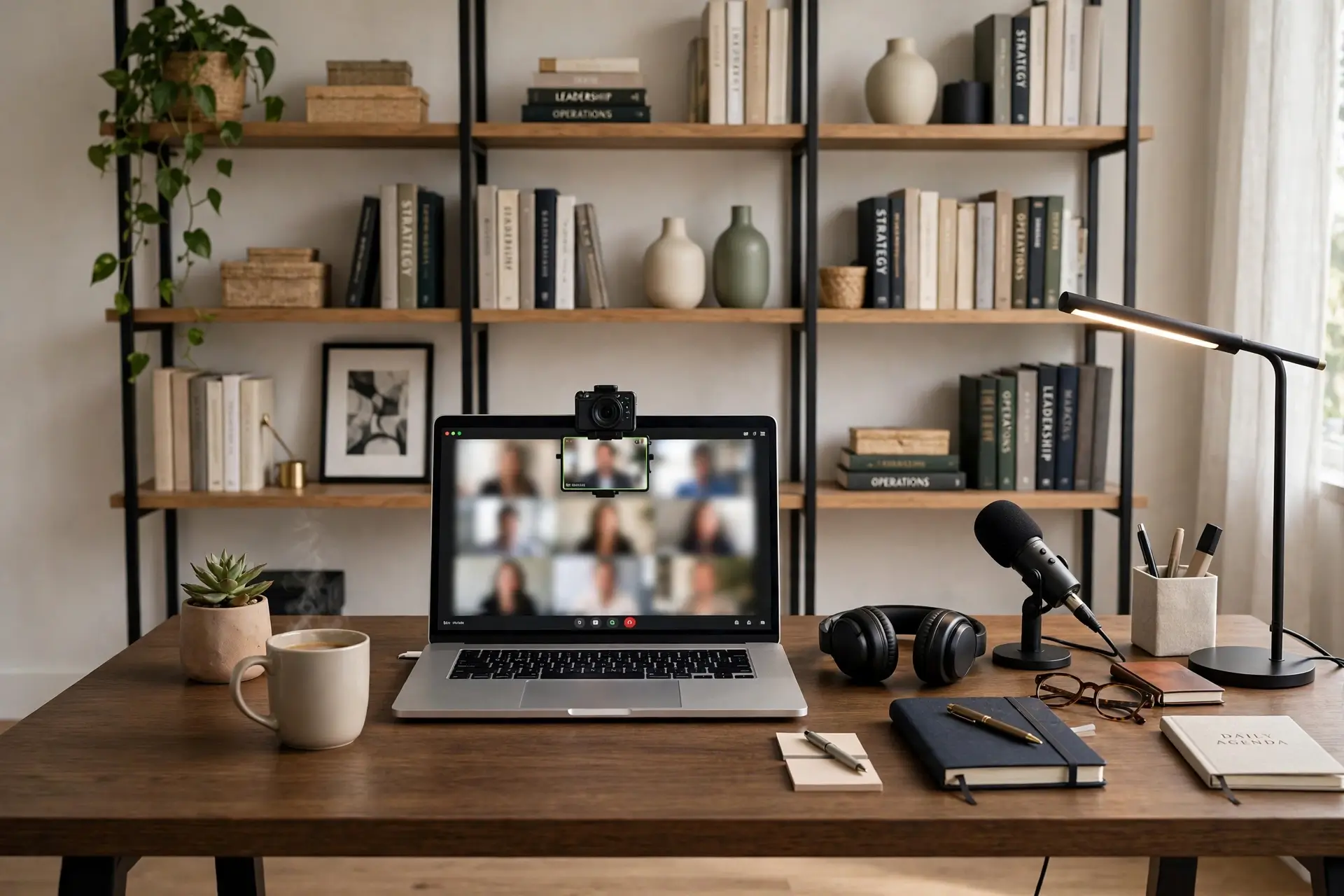
Take the Command Position
Executives don't sit with their back to the door — and you shouldn't sit with your back to the camera. Position your desk so your video background is deliberate: a styled shelf, a clean wall with one piece of art, a plant. The background is half your professional image on every call, yet most people treat it as an accident. Make it a decision. There's also a subtle psychological effect: facing the room (rather than facing a wall) reduces the boxed-in feeling during long workdays and keeps you visually aware of your space — small comfort, real focus benefit.
✓ Audit checklist
- Camera sees a styled background — shelf, art, or plant — never a bed, kitchen, or blank chaos.
- Light faces you, not behind you — window or lamp in front, so your face is lit, not silhouetted.
- Desk faces the room door if possible — the "command position" genuinely changes how in-control you feel.
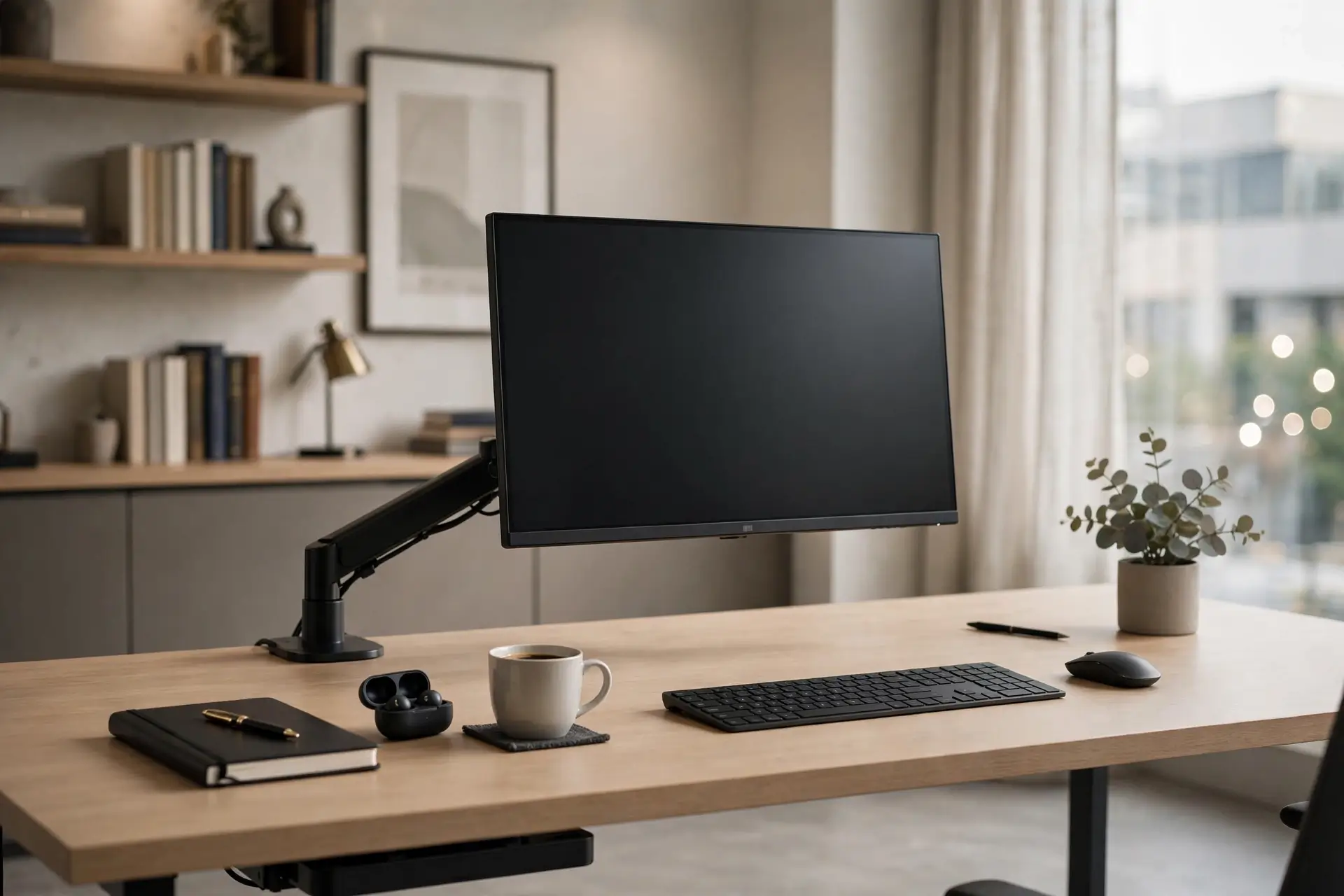
Practice Cable Discipline
Nothing torpedoes "professional" faster than cable spaghetti. A nest of wires says "I tolerate chaos" — the opposite of the executive signal. The fix is unglamorous and cheap: an under-desk tray, one cable sleeve, wireless keyboard and mouse. Ten minutes of work, permanent credibility upgrade. Cables are also the one mess that photographs worst: on video calls, a dark tangle behind a laptop draws the eye straight to it, while a clean run of desk edge disappears entirely. Discipline here pays off every single working day.
✓ Audit checklist
- Zero cables visible from the front or on camera — everything routed under or behind.
- Chargers live in a drawer or tray, not sprawled across the desk "just for now."
- One power strip mounted under the desk — nothing dangling, nothing on the floor.
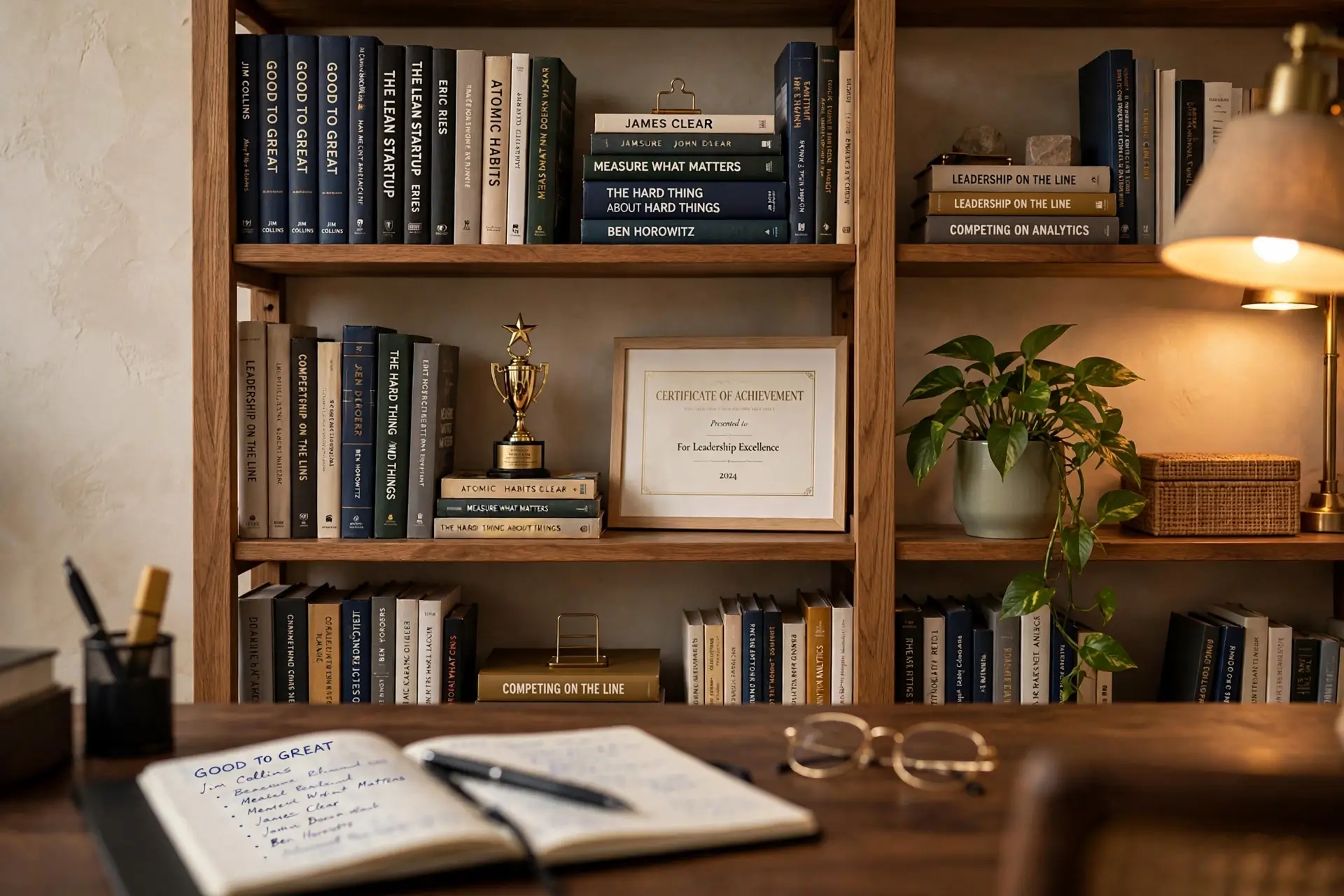
Curate the Background
Your background is your silent CV. A shelf with business books, a framed credential, one plant, one personal object — that's the formula. It says "accomplished, grounded, human" without saying a word. What to avoid: blank walls (no signal), cluttered shelves (chaos signal), and anything you'd be embarrassed to explain on a client call. Think of it as set design for the professional version of you — every object is a prop telling a short, true story about who you are at work.
✓ Audit checklist
- 5–7 objects max on the visible shelf — curated, not crowded.
- One credential or achievement visible — degree, award, certification. Earned signals count.
- One living thing — a plant softens authority into approachability.
- Nothing controversial, fragile, or private in frame — audit with a client's eyes.
Stay Meeting-Ready
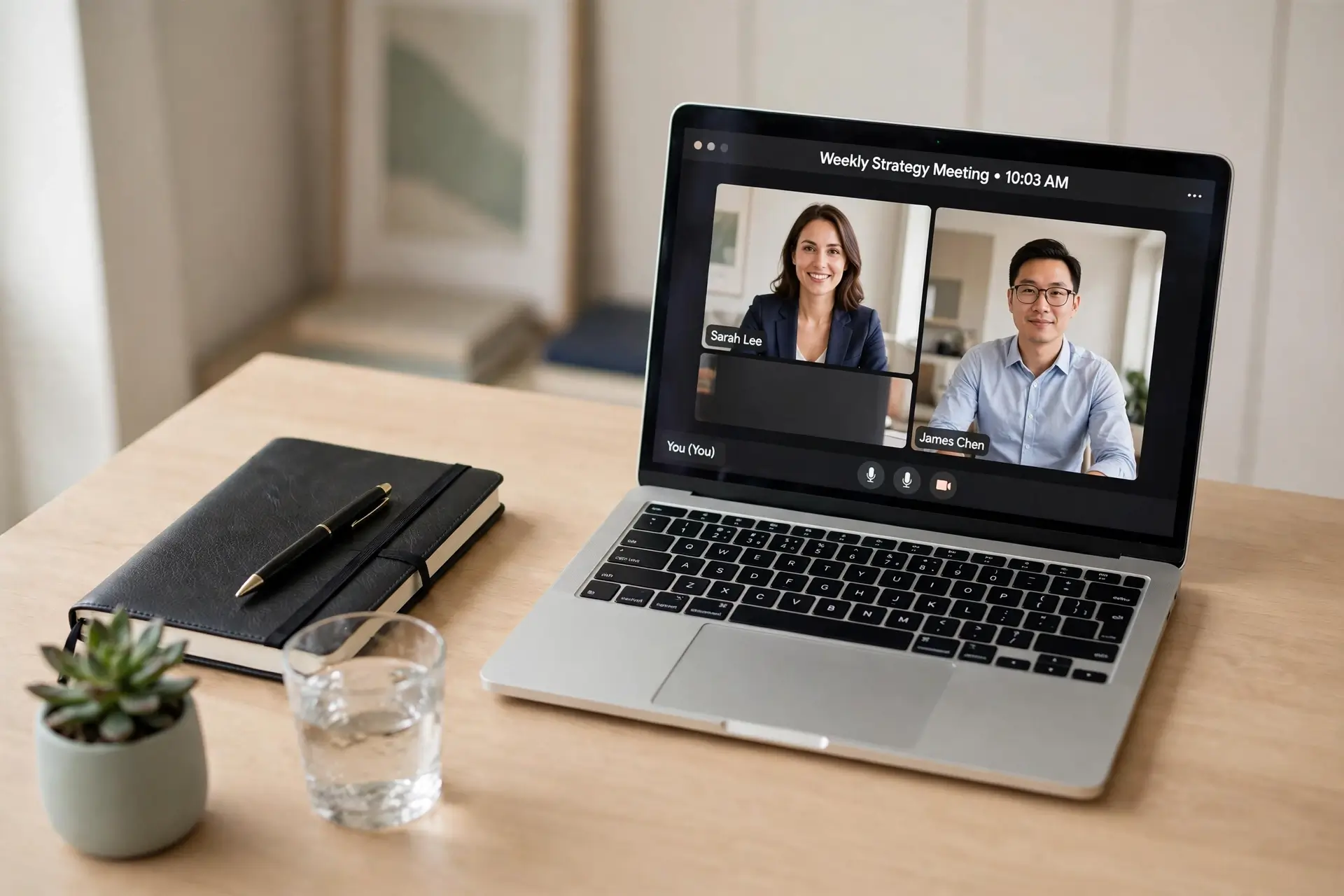
The professional desk is never more than 60 seconds from camera-ready. That means a clear-desk baseline: laptop, notebook, pen, one drink — everything else in drawers. When a surprise call comes (and it will), you're composed instead of panicking. Readiness is the standard clients feel but can't name: this person is always prepared. There's a personal payoff too — starting each day at a clean baseline removes the low-grade dread of yesterday's mess and lets you begin work with a clear head instead of a cleanup session.
✓ Audit checklist
- Desk surface holds only the current work — no yesterday's papers, no mystery cables.
- Camera, mic, and light tested weekly — tech failures read as unprofessional, fairly or not.
- A "call kit" within reach — notebook, pen, water. No scrambling on camera, ever.
Professional for Different Roles
The four standards flex for every kind of work. Freelancers and consultants: your background is your brand — make it memorable but calm, since clients choose you partly on vibe. Corporate remote workers: match your company's culture; a bank wants restraint, a startup tolerates personality. Teachers and coaches on camera all day: invest in lighting first — your face is the product. Job seekers: the background behind you in interviews should whisper "hire this person" — clean, bright, one credential visible. Same standards, different emphasis — the audit doesn't change, only where you spend your energy first.
⏱️ The 5-Minute Pre-Meeting Sweep
Important call in five minutes? Don't reorganize your life — just run this sweep. It's triage, not transformation, and it works because cameras are forgiving of everything except chaos:
- Clear the surface — everything not needed for this call goes in a drawer. Ruthless, fast.
- Check the background — quick glance at the camera preview. Remove anything that wandered into frame.
- Light your face — lamp on, facing you. Close the blinds behind you if they're blowing out the shot.
- Call kit out — notebook, pen, water placed neatly within reach. Join the call 2 minutes early, breathing slowly, fully composed.
Light Like You Mean It
Of all the professional upgrades, lighting has the highest return per dollar. A $20 desk lamp aimed at your face does more for your on-camera presence than a $200 chair. The rules are simple: light should hit your face from the front (never from behind), slightly above eye level is flattering, and warm white (around 3000K) looks human while cool white can look clinical. If you buy one thing for your professional setup, make it a decent light — it's the difference between "who is that shadow" and "what a polished setup."
💼 Professional on a Budget
None of the four standards require expensive furniture. A secondhand solid-wood desk beats a new flimsy one; a $15 under-desk tray beats a $150 "executive" organizer; your existing books, styled with intention, beat bought-by-the-yard decor. Professionalism is arrangement, not acquisition. Spend money only where the camera looks: background first, chair second (you sit in it all day), desk last.
Professional Desk Mistakes
The bed background
An unmade bed on client calls is the #1 credibility killer. Fix: reposition the desk or hang a curtain — Standard 1.
Gamer aesthetic at work
Rainbow RGB reads "hobby," not "boardroom," to most clients. Fix: warm white lighting for work hours; save the rainbow for after.
Credential overload
Walls of certificates look insecure, not impressive. Fix: one framed credential, styled among books — Standard 3.
The "temporary" mess
"I'll clean it later" becomes the permanent state. Fix: the 2-minute end-of-day reset — Standard 4.
Background Fails to Fix This Weekend
Quick wins, biggest impact first: the laundry rack — move it out of frame permanently, not just for calls. The backlit silhouette — a window directly behind you turns you into a shadow; face the window instead. The ceiling fan of doom — camera angled up shows ceilings and fans; raise the camera to eye level. The mirror surprise — check what your background mirror reflects; it often shows the messy half of the room. The door — family walk-ins are charming once and unprofessional always; a closed door (or a "on call" sign) is basic professionalism.
📈 The Promotion Test
You'll know your professional desk setup passes the audit when:
- You'd take any call, any time — no panic, no "let me turn my camera off."
- Your background gets compliments — "nice setup" is the professional world's applause.
- You feel different sitting down — posture straightens, focus sharpens. Environment shapes behavior, and a professional desk shapes a professional. This isn't vanity; it's the same reason athletes dress for the game. The uniform changes the mindset.
Professional Desk Setup FAQs
Q.What makes a desk setup look professional?
Order, intention, and a deliberate background. A clear surface, hidden cables, good lighting on your face, and a styled shelf or wall behind you — these four signals read as "professional" far more than expensive furniture does.
Q.How should I set up my desk for video calls?
Face a light source (window or lamp) so your face is lit, position the camera at eye level, and style the background: a bookshelf, one piece of art, or a plant. Test with a screenshot before important calls.
Q.What should be on a professional desk?
Less than you think: your computer, a notebook, a pen, good lighting, and one personal touch. Everything else belongs in drawers. A clear surface is the fastest professional upgrade there is — it signals discipline before you say a word.
Q.Can a small desk look professional?
Absolutely — small forces discipline, which is the whole game. Keep the surface minimal, manage cables ruthlessly, and invest the saved space in a good background. Many executives work from compact setups.
Q.How do I make my home office look professional on a budget?
Rearrange before you buy: reposition for the best background and light, hide cables with a cheap tray, style existing books intentionally. Spend only where the camera looks — background first, chair second.
Q.Should a professional desk have personal items?
One or two, yes — a plant, a photo, a book you love. They make you look human and confident rather than sterile. The rule: anything personal should be something you'd happily explain on a client call.
Keep exploring: the desk ideas collection keeps growing, plus wall ideas for styling that video-call background and making it camera-worthy. Start from the Roomiora homepage if you're new — and run the audit this weekend.
Malik Ashraf
Founder & Editor, Roomiora. Home-design enthusiast sharing real-life room ideas — tested layouts, honest costs, no showroom fantasies.
More about Malik →